
CRM and Sales Automation
CRM Pipelines 101: How to Turn Contacts Into Paying Customers, Step by Step
Most small businesses do not have a lead problem. They have a follow-up problem. Enquiries come in through WhatsApp, Instagram, calls, and website forms, then get lost in chats and notebooks. A CRM pipeline fixes that by showing every potential customer, where they are in your sales process, and what needs to happen next. This guide walks you through building one from scratch, the stages to use, the automations to add, and the numbers to watch.
Last updated: November 2026
Key Takeaways
- A CRM pipeline is a visual board of every sales opportunity, organised into stages that match how your customers actually buy.
- Speed matters. Research published in Harvard Business Review found that firms that contacted leads within an hour were nearly seven times as likely to qualify them as firms that waited even one hour longer.
- Start with 5 to 7 clear stages, each with an exit rule, so everyone on your team knows exactly when to move a deal forward.
- Automations such as instant replies, reminders, and stage-based follow-ups stop leads from going cold when your team is busy.
- Track four numbers every week: new opportunities, stage conversion rate, win rate, and how long deals sit in each stage.
The Short Answer First
CRM pipeline management means tracking every potential sale through a fixed set of stages, from first contact to paid, and making sure each one gets the right follow-up at the right time. To set one up, define the stages your customers go through, add every lead as an opportunity, decide what action moves a deal to the next stage, automate the repetitive follow-ups, and review your numbers every week. A good pipeline turns “I think we have some leads” into “we have 23 open deals worth this much, and these 5 need a call today.”
What Is a CRM Pipeline?
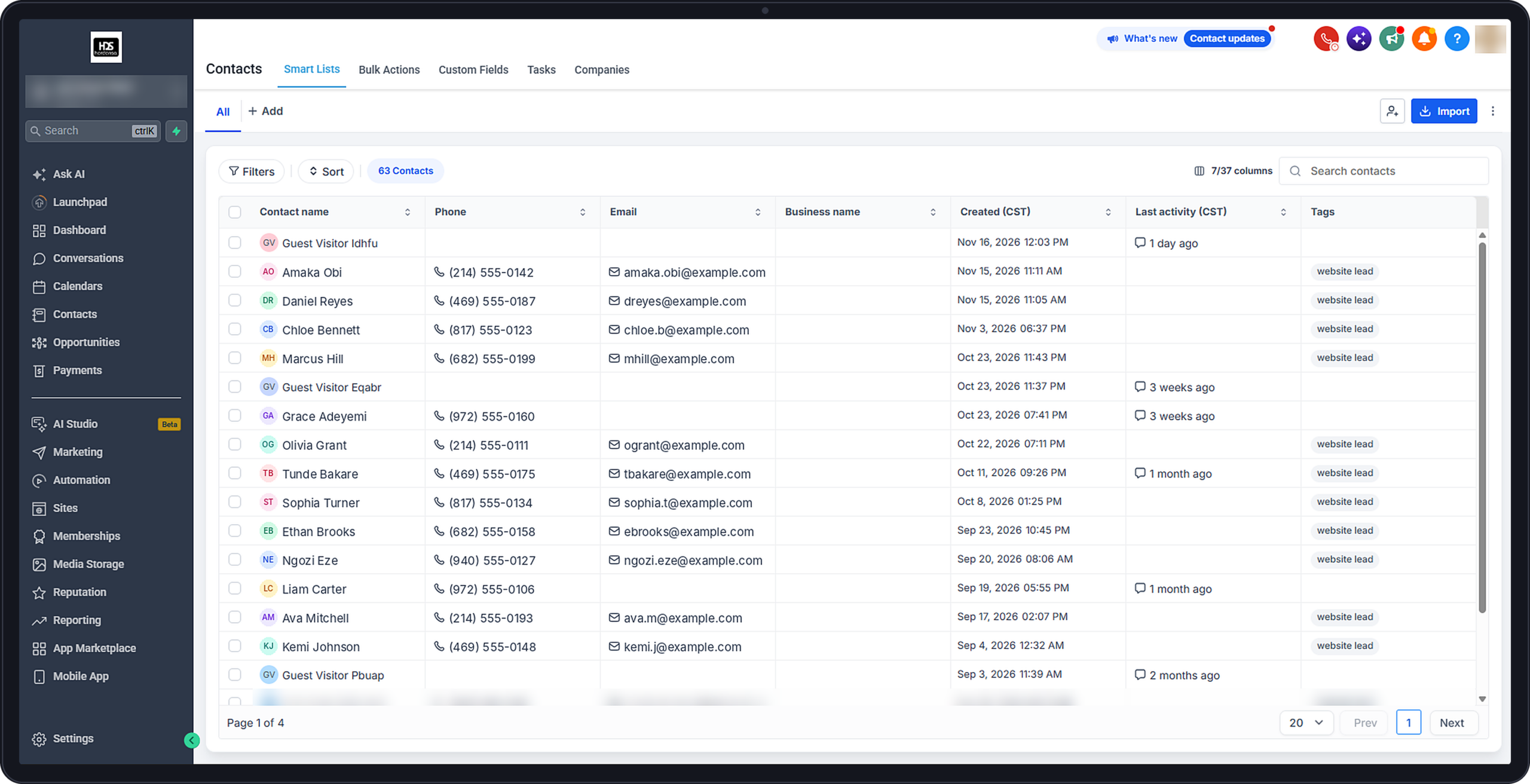
A CRM (customer relationship management) system stores your contacts and every interaction you have with them. The pipeline is the part that tracks sales. It is usually shown as a board with columns, where each column is a stage and each card is an opportunity, meaning a potential deal with a specific contact.
HighLevel, the platform behind Hordanso Marketing Suite, describes it in its pipelines and opportunities guide in simple terms: a stage represents a specific step in your sales process, and opportunities can be created manually, imported in bulk, or created and updated automatically with workflows.
| Term | What it means | Example |
|---|---|---|
| Contact | A person or business in your database | Ada, who filled in your website form |
| Opportunity | A potential sale linked to a contact | Ada wants a 3 month social media package |
| Pipeline | The full set of stages for one sales process | “Service Sales” pipeline |
| Stage | One step in that process | “Proposal Sent” |
| Opportunity value | How much the deal is worth if it closes | The package price |
Why Most Leads Never Become Customers
In The Short Life of Online Sales Leads, published in Harvard Business Review, researchers found that most companies are not responding to online leads nearly fast enough. Firms that tried to contact a lead within an hour were nearly seven times as likely to qualify that lead as firms that waited even one hour longer. The lesson is simple: interest fades fast, and a lead with no next step is a lead you are slowly losing.
- Slow first replies. The enquiry sits unanswered for hours or days while the customer contacts your competitor.
- No clear owner. Everyone assumes someone else replied, so nobody does.
- Leads scattered everywhere. Some are in WhatsApp, some in DMs, some in email, so nobody sees the full list.
- One follow-up, then silence. Many buyers need several touches before they decide, but most businesses stop after one.
- No numbers. Without a pipeline, you cannot tell where deals are getting stuck.
How to Build Your CRM Pipeline in 7 Steps
Follow these steps in order. You can set up your first working pipeline in an afternoon.
Step 1: Map How Your Customers Actually Buy
- Write down the last 5 customers who paid you
- For each one, list every step from first contact to payment, such as enquiry, call, quote, follow-up, and payment
- Circle the steps that appear in almost every sale. These become your stages
- Note where deals usually stall, because that is where you will add automations later
Step 2: Create 5 to 7 Clear Stages
Too few stages hide problems. Too many make the board confusing. Here is a starter set that works for most service businesses. HighLevel’s pipeline setup guide notes that Won and Lost stages are added to every pipeline automatically, so you only need to build the stages before them.
| Stage | What it means | Exit rule: move to the next stage when |
|---|---|---|
| 1. New Lead | Someone has shown interest | You have replied and started a conversation |
| 2. Contacted | You are talking, but you do not yet know if they are a fit | You confirm their need, budget, and timeline |
| 3. Qualified | They are a real buyer for something you sell | A call, demo, or meeting is booked |
| 4. Meeting Booked | A conversation is scheduled | The meeting has happened and they want a quote |
| 5. Proposal Sent | They have your price and offer | They accept or ask to change the offer |
| 6. Negotiation | You are agreeing final terms | They confirm and you send an invoice |
| Won / Lost | The deal is closed either way | Payment received, or they clearly say no |
Step 3: Write an Exit Rule for Every Stage
The exit rule is the single most important part of the pipeline. It is a clear, checkable action that must happen before a deal moves forward. “They seemed interested” is not an exit rule. “They booked a call” is. Exit rules keep your numbers honest and let anyone on your team pick up a deal without guessing.
Step 4: Get Every Lead Into the Pipeline
- Connect your website forms so each submission creates a contact and an opportunity automatically
- Import your existing leads from spreadsheets in bulk
- Add leads from calls, WhatsApp, and walk-ins manually, with the source noted
- Give each opportunity an owner, a value, and a source, such as Google, Instagram, or referral
If WhatsApp is where most of your enquiries arrive, WhatsApp AI can help you reply instantly while your team catches up.
Step 5: Automate the Follow-Ups
Automations do the repetitive work so no lead is forgotten. Start with these five, then add more as you learn.
| When this happens | Automatically do this | Why it helps |
|---|---|---|
| A new form is submitted | Send an instant email or SMS reply and create an opportunity in New Lead | The customer hears from you in seconds, not hours |
| A lead sits in New Lead for 24 hours | Create a call task for the owner | Nobody is left without a reply |
| A meeting is booked on your calendar | Move the deal to Meeting Booked and send reminders | Fewer missed meetings |
| A proposal is sent | Send a follow-up message after 2 days and again after 5 days | Keeps your offer top of mind |
| A deal is marked Won | Send a thank-you and an onboarding message | Starts the relationship well and invites referrals |
Step 6: Run a Daily Pipeline Routine
- Every morning, open the pipeline and sort by oldest first
- Reply to every New Lead before doing anything else
- Check the follow-up tasks due today and complete them
- Move every deal whose exit rule has been met
- Mark deals as Lost when the customer has clearly said no, and record the reason
Step 7: Review Your Numbers Every Week
Fifteen minutes a week is enough. These four numbers tell you almost everything.
| Metric | How to work it out | What it tells you |
|---|---|---|
| New opportunities | Count of deals added this week | Whether your marketing is bringing in enough leads |
| Stage conversion rate | Deals that moved forward from a stage, divided by deals that entered it | Which stage is losing the most deals |
| Win rate | Won deals divided by all closed deals (Won plus Lost) | How well you close once a deal is decided |
| Time in stage | Average days a deal stays in each stage | Where deals get stuck and need a nudge |
Example: if 40 deals reached Proposal Sent this month but only 8 moved to Negotiation, that stage converts at 20%. That is your bottleneck. Try a clearer proposal, a faster follow-up, or a short call to walk through the offer.
Pipeline Examples for Different Businesses
Your stages should match your business. Here are three examples to adapt.
| Business | Suggested stages before Won or Lost |
|---|---|
| Real estate agent | New Enquiry, Contacted, Inspection Booked, Inspection Done, Offer Made, Documentation |
| Training school or course creator | New Lead, Info Sent, Webinar or Class Booked, Attended, Payment Link Sent, Enrolled |
| Agency or freelancer | New Lead, Discovery Call Booked, Needs Confirmed, Proposal Sent, Negotiation, Contract Signed |
Common Pipeline Mistakes to Avoid
- Too many stages. If your team cannot explain each stage in one sentence, merge some.
- No exit rules. Deals drift forward on feelings, and your numbers become meaningless.
- Never marking deals Lost. A board full of dead deals hides the live ones. Close them and record why.
- Leaving out the value. Without a value on each opportunity, you cannot see what your pipeline is worth.
- Automating everything at once. Start with five automations, check they work, then add more.
- Not reviewing the numbers. A pipeline that nobody reviews is just a prettier notebook.
Quick Self-Check: Is Your Pipeline Working?
Answer honestly. Every No is a quick win waiting to happen.
| Question | ✓ Yes | ✕ No |
|---|---|---|
| Is every new enquiry, from every channel, added to one pipeline? | ✓ | ✕ |
| Do new leads get a reply within one hour? | ✓ | ✕ |
| Does every stage have a written exit rule? | ✓ | ✕ |
| Does every opportunity have an owner and a value? | ✓ | ✕ |
| Are follow-ups after a proposal sent automatically? | ✓ | ✕ |
| Do you know your win rate for last month? | ✓ | ✕ |
| Do you record a reason every time a deal is lost? | ✓ | ✕ |
How Hordanso Marketing Suite Helps You Run Your Pipeline
Hordanso Marketing Suite gives you a full GoHighLevel sub-account, so the contacts, pipeline, and automations described in this guide live in one place. According to the plan page, it includes:
- Contacts, pipelines, and opportunities CRM to track every deal from first enquiry to payment.
- Email, SMS, and task automations to send instant replies and follow-ups.
- Booking and appointment calendars so leads can book a call without back-and-forth messages.
- Forms and surveys that feed new leads straight into your pipeline.
- Up to 100 websites and funnels to capture leads for every offer.
- Course hosting to sell and deliver digital products.
- A free .com.ng domain for one year, and payment options including Paystack, Stripe, and PayPal.
Want to add more channels? Pair your pipeline with WhatsApp AI for instant chat replies, SocialBee for scheduling social posts that bring in leads, and business email so your follow-ups come from a professional address. If you need a new website to capture leads, see Agentic WordPress Hosting, and if you prefer building custom automations yourself, there is n8n VPS hosting.
Key Terms, Explained Simply
- CRM
- Customer relationship management software that stores your contacts and every interaction with them.
- Pipeline
- A visual board showing every potential sale, organised into the stages of your sales process.
- Opportunity
- A potential deal linked to a specific contact, with a value and a stage.
- Stage
- One step in your sales process, such as Qualified or Proposal Sent.
- Exit rule
- The clear action that must happen before a deal moves to the next stage.
- Win rate
- The share of closed deals that you won, worked out as won deals divided by won plus lost deals.
- Workflow
- An automation that runs actions, such as sending a message or creating a task, when something happens.
- Lead qualification
- Checking whether a lead has a real need, budget, and timeline for what you sell.
Want help setting up your first pipeline and automations?
Talk to Our TeamFrequently Asked Questions
CRM pipeline management is the process of tracking every potential sale through a fixed set of stages, from first contact to payment, and making sure each deal gets the right follow-up at the right time. It shows how many deals you have, what they are worth, and where they get stuck.
Most small businesses do well with 5 to 7 stages before Won and Lost. Fewer stages hide problems, while too many make the board confusing. Each stage should be easy to explain in one sentence and have a clear exit rule.
A contact is a person or business in your database. An opportunity is a specific potential sale linked to that contact, with a value and a stage. One contact can have several opportunities over time.
As fast as possible, ideally within an hour. Research published in Harvard Business Review found that firms that contacted leads within an hour were nearly seven times as likely to qualify them as firms that waited even one hour longer. An automatic instant reply helps while your team catches up.
No. HighLevel’s pipeline guide states that Won and Lost stages are added to every pipeline automatically, so you only need to create the stages that come before them.
Start with five: an instant reply to new form submissions, a call task when a lead waits 24 hours, reminders when a meeting is booked, follow-ups 2 and 5 days after a proposal, and a thank-you message when a deal is won.
Divide the number of deals you won by the total number of closed deals, which is won plus lost. For example, 12 won out of 30 closed deals is a 40% win rate.
Yes. Many businesses use separate pipelines for different processes, such as one for new sales, one for renewals, and one for partnerships. Keep each pipeline focused on one type of deal so the stages stay clear.
No. A pipeline is just as useful for a solo business owner. It replaces scattered notes and chats with one clear list of deals and next steps, so fewer leads slip through when you are busy.
It includes a full GoHighLevel sub-account with a contacts, pipelines, and opportunities CRM, email, SMS, and task automations, booking calendars, forms and surveys, up to 100 websites and funnels, course hosting, and a free .com.ng domain for one year.
Sources and Further Reading
- Harvard Business Review: The Short Life of Online Sales Leads, for research on lead response time.
- HighLevel: Getting Started, Setup Pipelines and Opportunities, for how pipelines, stages, and opportunities work.
- HighLevel: Step-by-Step Guide to Creating Pipelines, for creating stages and automatic Won and Lost stages.
- Hordanso Marketing Suite, for current features and pricing in your currency.


