
Hosting & Server Infrastructure
Windows Server Hosting Explained: Do You Actually Need It?
Most hosting decisions default to Linux without a second thought, and for most websites, that default is correct. But a growing number of businesses search for Windows hosting specifically, and usually for one very good reason: their software genuinely requires it.
What Is Windows Server Hosting?
Windows Server Hosting runs your website or application on a server using Microsoft’s Windows Server operating system instead of Linux. It supports technologies built specifically for the Microsoft ecosystem, ASP.NET, .NET Core, MSSQL databases, and Classic ASP, that simply will not run on a standard Linux hosting stack. If your developer built your application in .NET or your business runs on Microsoft SQL Server, Windows hosting is not a preference, it is a requirement.
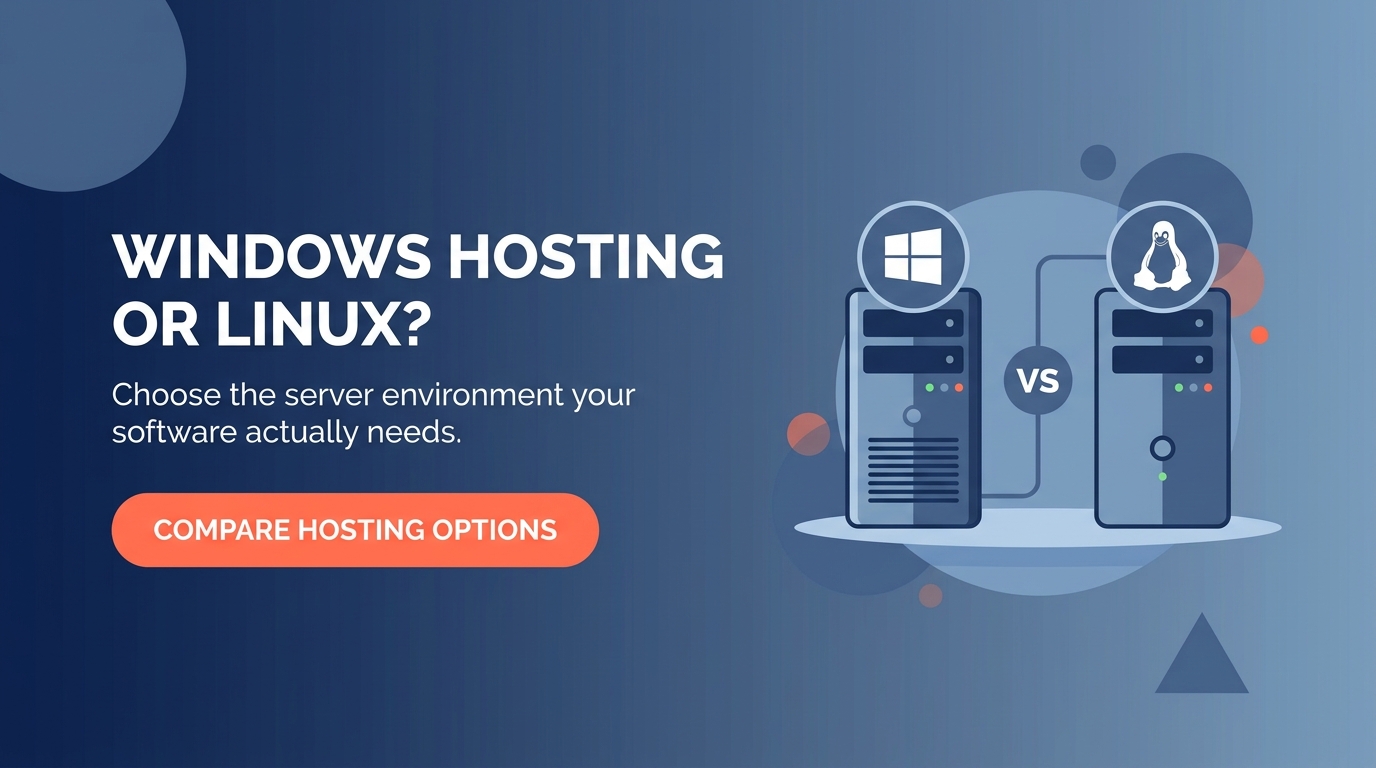
Windows Hosting vs Linux Hosting: What Is the Real Difference?
Both can host a fast, secure, reliable website. The real difference is which software stack your site or application is actually built on:
- Operating system. Windows Server hosting runs on, unsurprisingly, Windows Server. Linux hosting typically runs on distributions like Ubuntu or CentOS.
- Supported languages. Windows hosting supports ASP.NET, .NET Core, and Classic ASP natively. Linux hosting is built around PHP, Python, and similar open source languages.
- Database compatibility. Windows hosting pairs naturally with Microsoft SQL Server. Linux hosting pairs naturally with MySQL or PostgreSQL.
- Control panel. Windows environments commonly use Plesk. Linux environments commonly use cPanel.
- Cost. Windows Server requires a licensing fee that Linux does not, which is usually reflected in a slightly higher hosting price.
| Choose Windows Hosting If | Choose Linux Hosting If |
|---|---|
| Your application is built in ASP.NET or .NET Core | Your site runs on WordPress, PHP, or a similar open source platform |
| Your database is Microsoft SQL Server | Your database is MySQL, MariaDB, or PostgreSQL |
| Your developer specifically built for the Microsoft stack | You want the widest compatibility with common web software |
| You need Remote Desktop access to the server itself | You are running a typical business website or blog |
| Your internal business software requires a Windows environment | You want the lower cost option with no licensing fee |
Quick Self-Check: Which Hosting Environment Do You Actually Need?
Answer honestly. If most of your answers land in the “Yes” column, Windows hosting is the right fit, not just an option.
| Question | ✓ Yes | ✕ No |
|---|---|---|
| Was your website or application built using ASP.NET or .NET? | ✓ | ✕ |
| Does your business rely on Microsoft SQL Server for its database? | ✓ | ✕ |
| Did your developer specifically request a Windows environment? | ✓ | ✕ |
| Do you need Remote Desktop Protocol access to manage the server directly? | ✓ | ✕ |
| Does your internal software explicitly list Windows Server as a requirement? | ✓ | ✕ |
What Happens If You Choose the Wrong Hosting Environment?
Picking the wrong stack rarely fails immediately. It tends to surface later, at the least convenient moment:
- A .NET application gets deployed on Linux hosting and simply will not run, forcing an emergency migration under pressure
- A business pays for Windows licensing every month while running a plain WordPress site that never needed it
- A developer spends hours troubleshooting a compatibility issue that was never actually a coding problem
- A database connection fails in production because the hosting environment cannot properly support Microsoft SQL Server
- Support tickets take longer to resolve because the hosting environment was mismatched with the application from the very beginning
Windows Hosting and VPS: Where They Overlap
Windows Server hosting is frequently deployed on a VPS rather than shared hosting, since Windows environments generally need more dedicated resources to run comfortably. If your application needs both the Windows stack and full root-level control, a VPS Hosting plan configured for Windows gives you dedicated CPU, RAM, and storage without sharing resources with other accounts on the same server.
Not Sure Which One Fits? Ask the Question Differently
Instead of asking “Windows or Linux,” ask “what does my software actually require?” The hosting environment should always follow the application, never the other way around. If you are building something new and have not committed to a stack yet, and you do not have a specific technical reason to choose Windows, Linux hosting remains the simpler, more cost effective default for the vast majority of standard business websites. Our own Web Hosting and WordPress Hosting plans cover that majority case well.
For an unbiased, non-commercial breakdown of the underlying operating system differences, Microsoft’s own Windows Server documentation is a reliable primary source.
Not sure which server environment your project actually needs?
Talk to Our Hosting TeamFrequently Asked Questions
Usually, yes, slightly. Windows Server requires a licensing fee that Linux distributions do not, and that cost is typically reflected in the hosting price. The difference is generally small compared to the cost of running the wrong environment for your application.
Technically yes, but it is not the recommended path. WordPress is built and optimized for a Linux, Apache, MySQL, and PHP environment. Running it on Windows adds unnecessary complexity and cost for zero real benefit.
The most common reason is software compatibility, specifically an application built in ASP.NET or .NET, or a database that depends on Microsoft SQL Server. If neither applies to you, Windows hosting is rarely necessary.
Most Windows Server hosting plans include Remote Desktop Protocol access, which lets you manage the server directly through a familiar Windows desktop interface rather than a command line.
Yes, but it usually involves more than flipping a setting. Any application code, database, or configuration built specifically for Windows will need to be reviewed and adjusted for a Linux environment, so it is worth getting the choice right the first time.
Yes. Standard Windows hosting often shares server resources with other accounts. Windows VPS hosting gives you dedicated CPU, RAM, and storage on the same Windows environment, which most business and application workloads eventually need as they grow.
Have a question or need help choosing the right hosting?
Visit Our Contact Page


